
Turn the iPhones and iPads on your table into one big screen.
Lay the devices edge to edge, arrange them on the host's canvas exactly as they sit on the table, press Play. One video plays across every screen in sync. No internet, no account, no cables.
How it works
Four steps to one big screen.
- 1
Place devices side by side
Lay the iPhones and iPads edge to edge on the table.
- 2
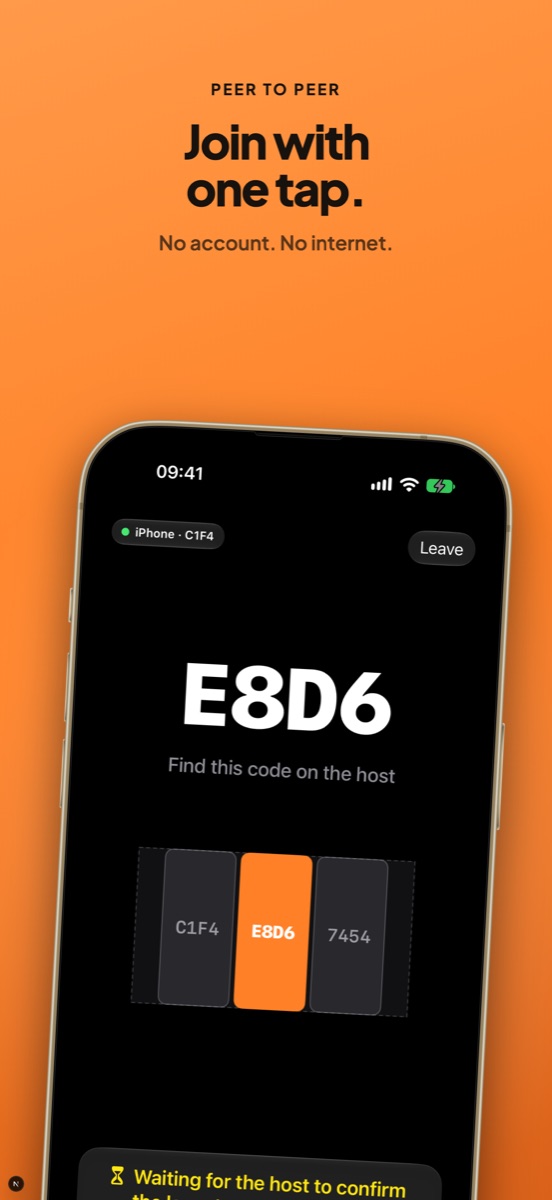
Host and join
One device hosts, the others join with a tap. Or scan the host's QR code: no install needed, thanks to the App Clip.
- 3
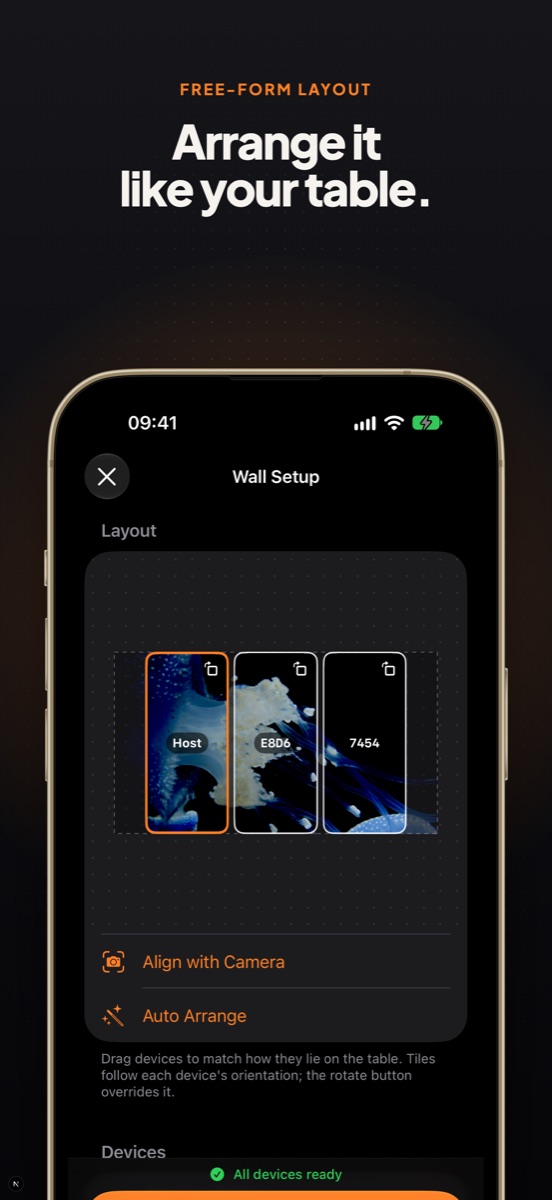
Arrange the canvas
Drag each device on the host's canvas to match the table, rotate it if needed, or use Auto Arrange.
- 4
Press Play
Pick a video and press Play. One video plays across every screen.
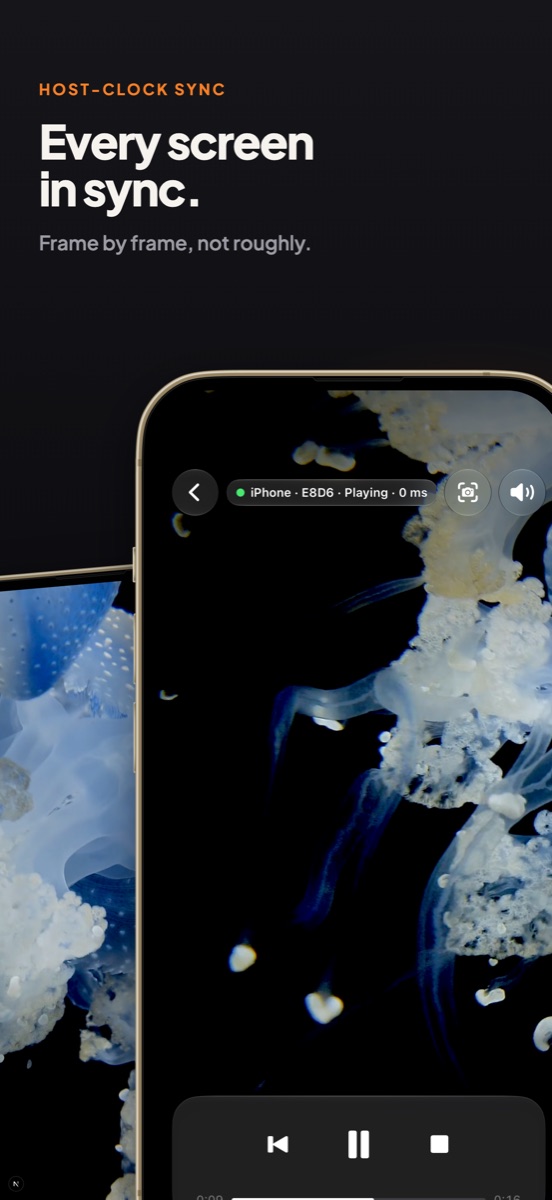
Plays in sync
Every screen in sync.
- Every device follows a shared clock, corrected every second.
- Pause, restart and stop control every device at once.
- The video loops, so the wall keeps playing.
Works without internet
No internet. No account. No cables.
- Devices connect over the local network or peer-to-peer Wi-Fi.
- The host sends the video to the other devices directly.
Any video
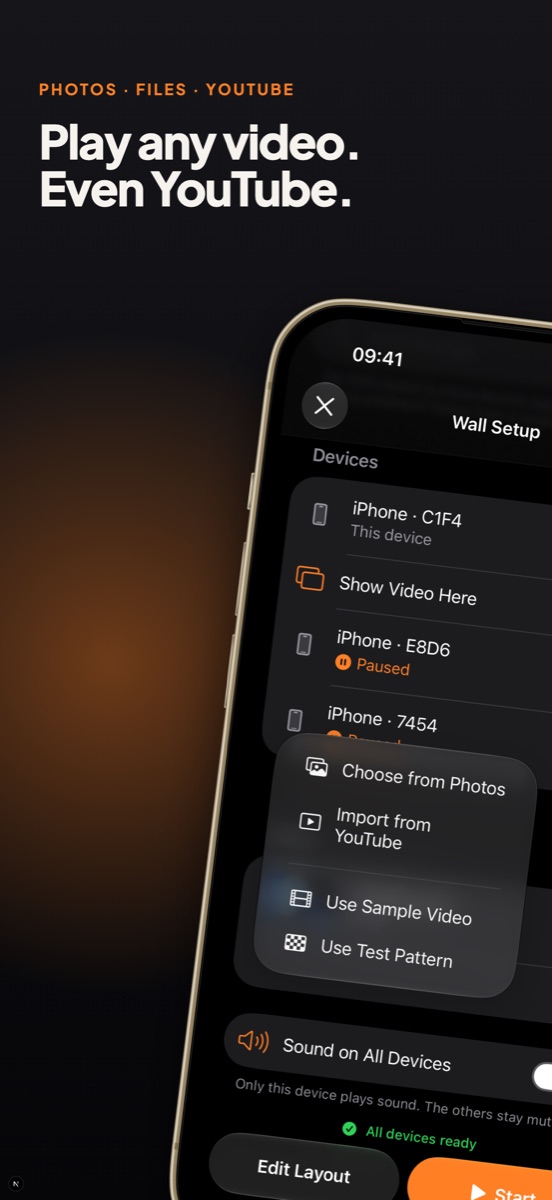
Play any video. Even YouTube.
- Pick a video from Photos or Files, or use the bundled sample.
- Import from YouTube on the host.
- Show a test pattern to check the alignment.
Fits the table
Arrange it like your table.
- Mix iPhones and iPads, in portrait and landscape.
- Each device uses its real screen size and bezel.
- Moved a phone? Swipe from a neighbour to re-align it.
- Or use Align with Camera to line the wall up from a photo.
Perfect for
Wherever there's a table full of phones.
- Parties and family gatherings
- Trailers, highlight reels and music videos on a bigger canvas
- Retail counters and trade-show tables
- Classrooms and workshops
Requirements
- iOS 17 or later (App Clip: iOS 18).
- Devices on the same local network or within Wi-Fi range.
- Allow Local Network access when asked.